
Your next vehicle.
At auction.
Explore our current auctions, find the right vehicle and take your next step with Go Auctions.
Browse auctions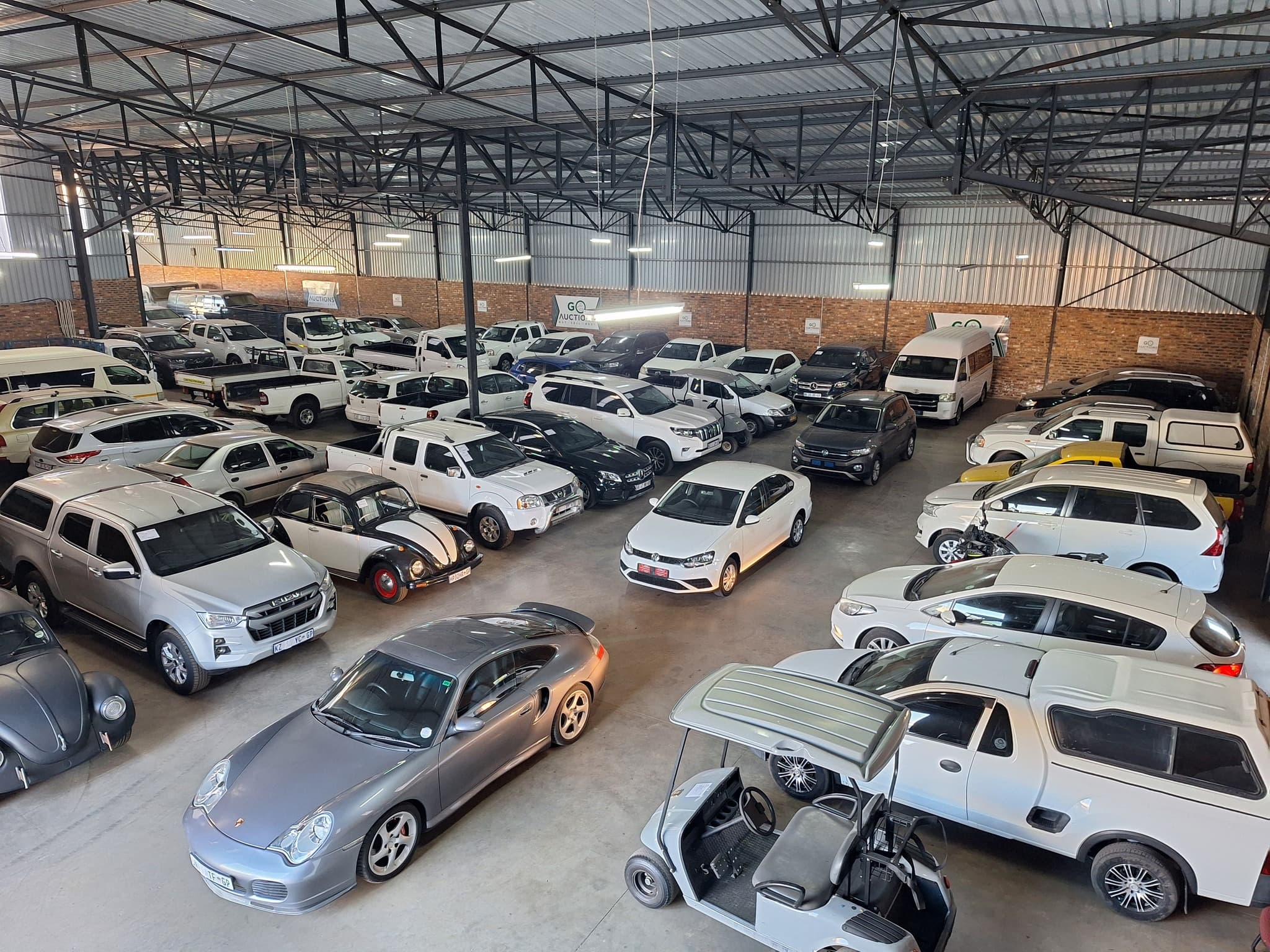
Loading current auctions…
How it works
1
Browse auctions
Explore current auctions and inspect the vehicles in each catalogue.
2
Register
Create your account, submit your documents and register for an auction.
3
Bid
Once approved, place your bids during the auction period.
Have a vehicle to sell?
Speak to our team about selling at auction.